
Tag photos in bulk
To tag a whole folder, connect Fotometis to an agent with the MCP server. The agent works through the folder photo by photo. The assistant in Fotometis has a step limit, so it cannot finish most bulk tagging requests. See Limits.
Tag a folder with an agent
Section titled “Tag a folder with an agent”Connect the agent first. See Connect an MCP client. Fotometis must run while the agent works.
Write the request with the folder and the rule for the tag. For example:
Using Fotometis, tag all photos in ~Pictures/Photos/Fotometis/Landscapes that contain a lake.
The agent reads each photo in the folder, then attaches the tag to the photos that match the rule. The agent sees a downsampled copy of each photo. When the agent finishes, it reports what it did.
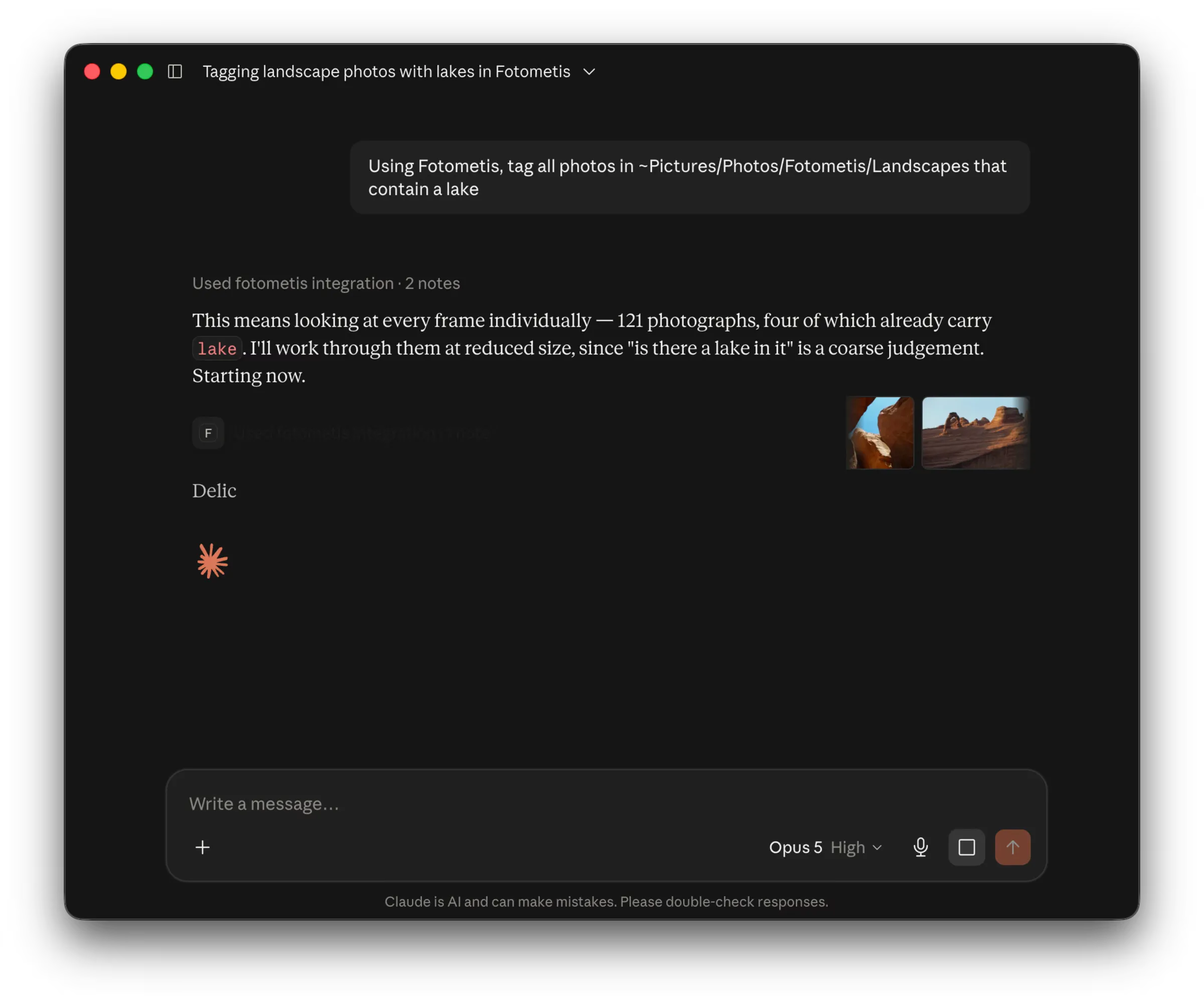
The agent gets the same tools as the assistant. See Assistant tools.